


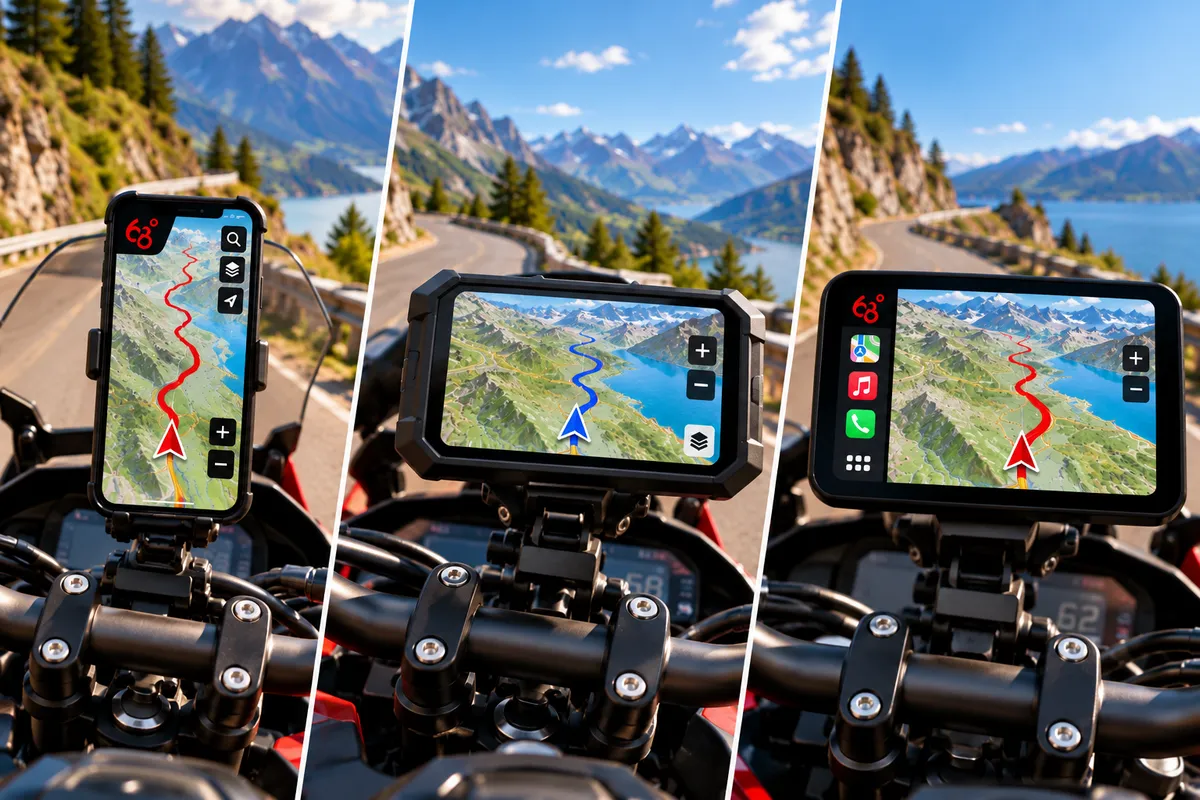
If you already use a motorcycle navigation system, or you’re thinking about getting equipped, you’ve probably asked yourself this question: which solution should you choose? A smartphone mounted on the handlebars, a dedicated GPS like those from Garmin or TomTom, a connected display compatible with Android Auto or Apple CarPlay such as Chigee or Carpuride, or even a small unit like the Beeline that simply shows the direction to follow? With all these options, it’s not always easy to understand what sets them apart and which one suits your riding.
This guide helps you see things more clearly. We explain how each system works, what it lets you do, and its strengths and limitations for rides and road travel. Readability, power supply, use with gloves, route planning, phone dependency, and budget: all criteria to weigh based on your habits and needs.
To help you choose a specific setup, we then compare the main solutions in each category and highlight the ones we consider most relevant depending on how you ride.
This comparison is based on our experience and on the tests we’ve carried out with most of the solutions presented, complemented by analysis of documentation, product pages, and publicly available offers. Our observations focus on motorcycle use; the stated specs, battery life, and brightness remain manufacturer data unless otherwise noted. Comfort of use can vary depending on your bike, your gear, and riding conditions.
The smartphone: the most obvious choice at first glance
For motorcycle navigation, the smartphone seems like the most natural choice. Most of us already have one and we already know how it works: no new device to buy and no particular learning curve, especially if you already use a navigation app. It sounds simple and cost-effective. But behind this obvious choice are different ways to use it, with needs and constraints you should distinguish before getting equipped.
Audio guidance
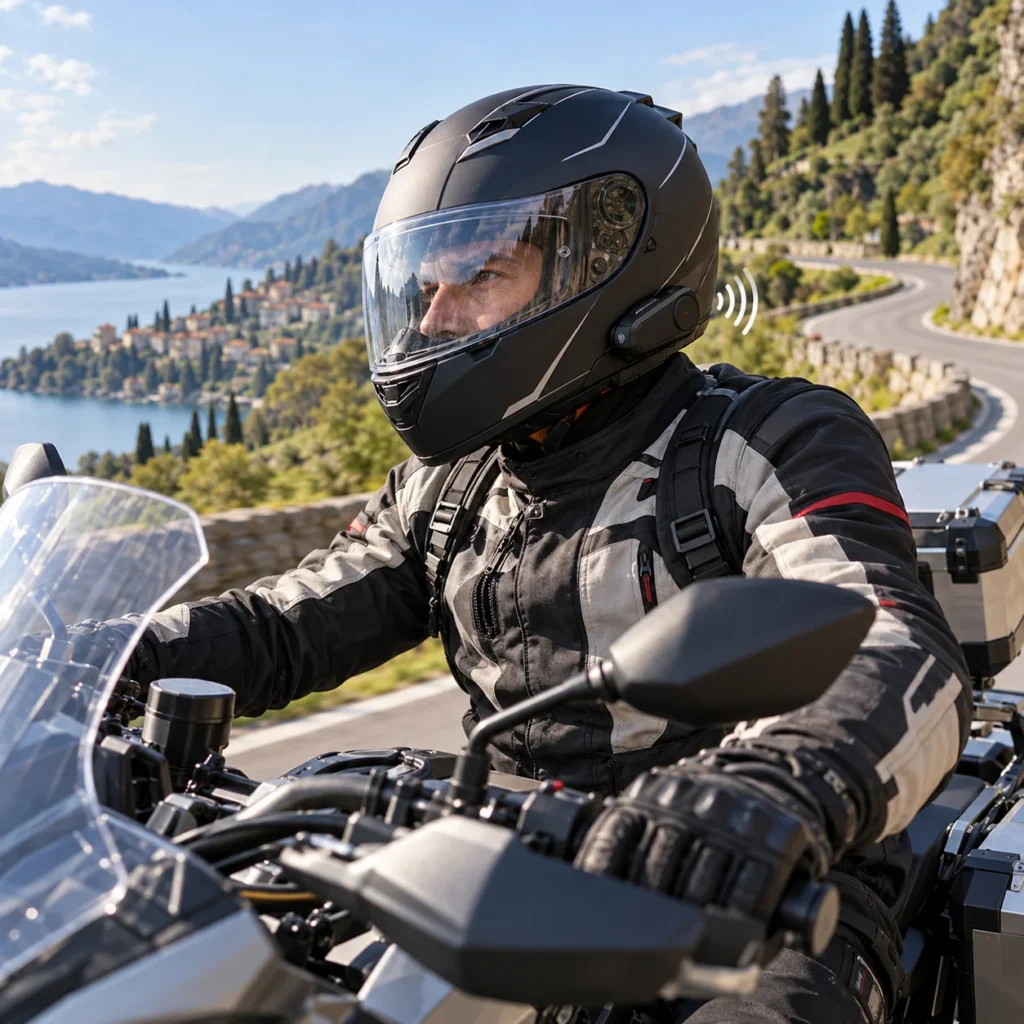
You can use your smartphone for motorcycle navigation without mounting it on the handlebars, simply by listening to your app’s voice instructions. This approach has several advantages, but also a few limitations to be aware of.
Advantages
Your smartphone stays stored away and protected: you don’t need a mount or a waterproof phone, and sunlight readability doesn’t matter. With the screen able to stay off, battery consumption is also reduced compared with guidance that keeps the route displayed at all times.
Disadvantages
This solution requires an audio system integrated into the helmet, usually an intercom, which is an additional investment if you don’t already have one. In France, devices integrated into a motorcycle helmet are allowed, unlike earbuds and earpieces worn in the ear.
We won’t be comparing intercoms in this guide, but their features and quality vary significantly. Pay particular attention to sound management: navigation instructions must remain audible, even when you are chatting or listening to music.
Finally, even with an accurate app, voice-only guidance can leave room for hesitation, especially when several turns come one after another or an intersection is complex. Without a map in front of you to remove doubt, you have to accept that you’ll sometimes miss a turn, leading to a detour or a U-turn. If this solution works to get from point A to point B, it’s not well suited to rides, road trips, and group outings, where you like to visualize your route, improvise a detour, or add a stop as you go. As soon as you need to add a waypoint, change a stop, or reorganize the route on the fly, voice alone is no longer enough: you’ll have to stop and take out your phone. In a group, these interruptions affect everyone, while a missed turn can split the riders and make regrouping harder.
Visual guidance
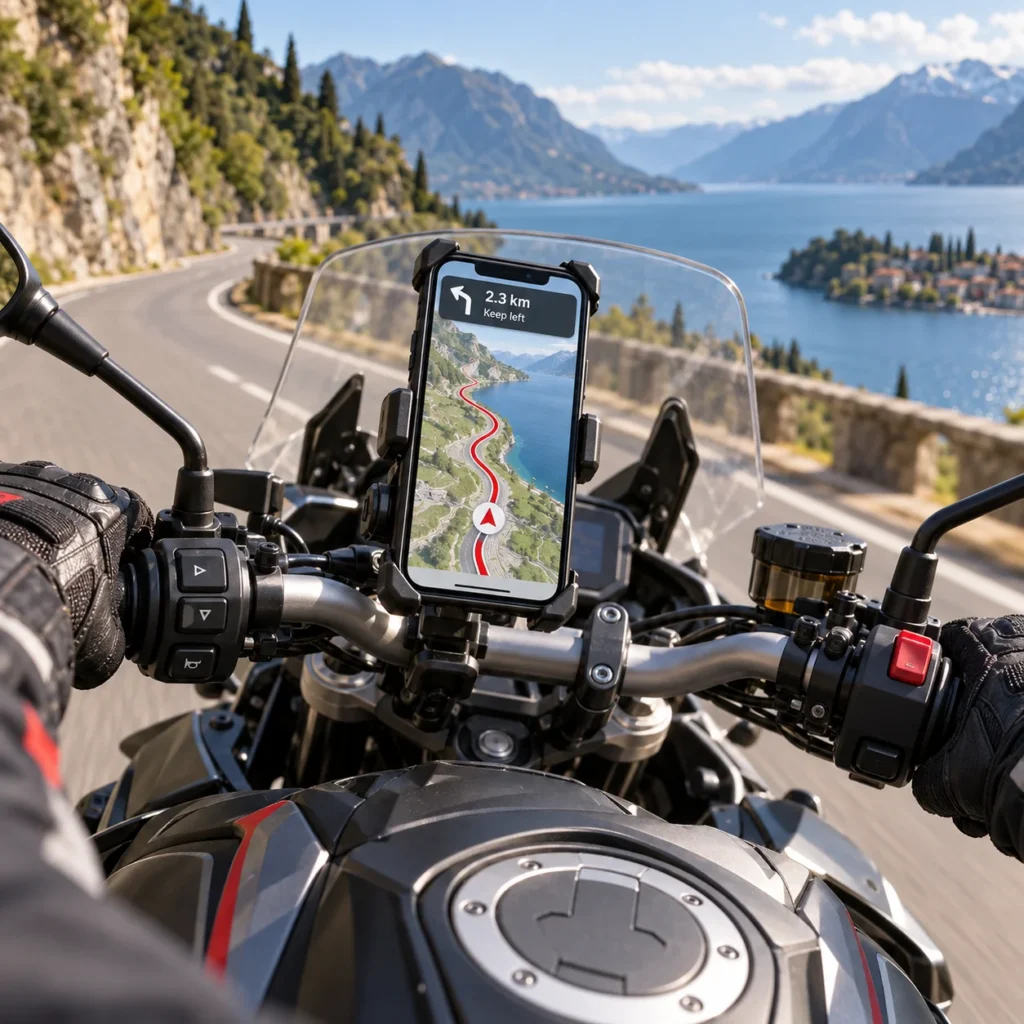
The second method is to use your smartphone mounted on the handlebars to follow the route on screen, with or without voice instructions. It’s often the use case people think of first, since it mirrors a well-established habit in the car. On a motorcycle, the principle is the same, but the conditions change: the phone leaves the cabin and sits on a vehicle exposed to the elements. This setup therefore calls for a few precautions if you want to fully benefit from guidance throughout your rides.
Advantages
The map helps you better understand instructions and identify the road to take, especially at complex intersections or when several turns follow one another. You can see upcoming turns and locate your position relative to the route.
Depending on the app you choose, you can also pause guidance, request a detour, report a hazard, or add a stop. Your phone remains accessible for other functions, such as calls or music. However, actions that require attention should be done while stopped.
Disadvantages
To benefit from visual guidance, you need to mount your smartphone on the bike. That means a suitable mount and, depending on your device, protection against rain. For long rides and trips, a power supply generally becomes necessary to offset the consumption from navigation and the screen being on.
It’s important to understand that using a smartphone mounted on a motorcycle’s handlebars comes with constraints that have nothing to do with scrolling social media at home. Vibrations, rain, dust, impacts, readability in full sun, GPS accuracy: on the road, the device is put to the test. A phone that’s pleasant to use day to day won’t necessarily be suited to this use, and entry-level or mid-range models rarely offer all the necessary guarantees. Choosing the smartphone deserves as much attention as choosing the app and the mount.
Choosing a smartphone for the handlebars is about much more than comfort: you need to read directions effortlessly, rely on accurate guidance, and avoid damaging a sometimes expensive device. The stakes involve your safety, the continuity of your navigation, and the lifespan of your gear. To understand these constraints and choose your equipment with full awareness, see our guide: What’s the best smartphone for motorcycle navigation?
Standalone GPS: guidance with full independence
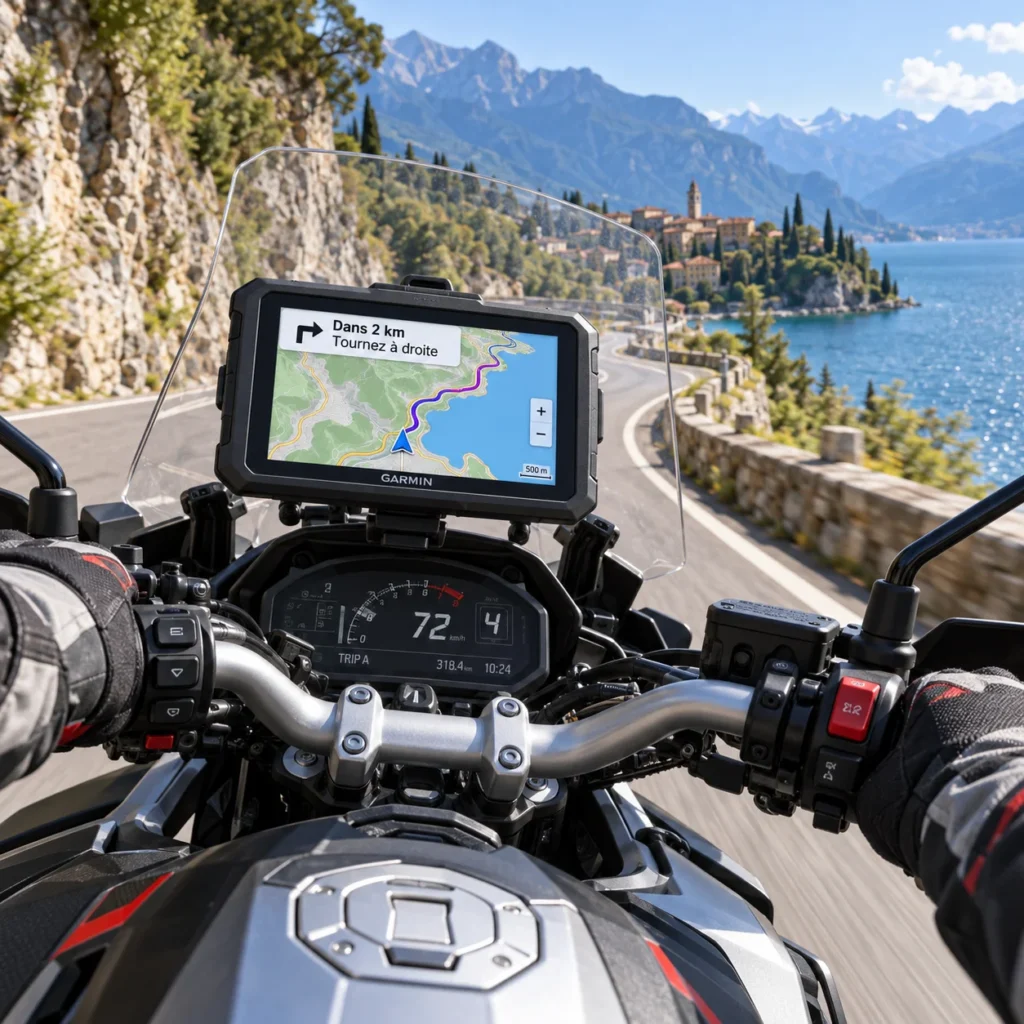
A standalone GPS is a device entirely dedicated to navigation. It has its own positioning receiver (GPS chip), its maps, and its software, so it can calculate a route and guide you without using your smartphone.
On motorcycles, this category is mainly represented by the TomTom Rider and the Garmin zūmo. These devices mount on a dedicated bracket and offer an interface designed for motorcycle use. You are thus choosing a package that includes both the hardware and the manufacturer’s navigation software. Standalone navigation can also be offered by the motorcycle manufacturer. It then takes the form of a removable device or one integrated into its equipment, such as BMW, Harley-Davidson, or Indian GPS units.
Be careful, though: displaying a map or directions on the dashboard doesn’t necessarily mean the bike has a standalone GPS. Some systems rely on a phone app and simply display its guidance.
Advantages
The first advantage of a standalone GPS is that it can guide you without an Internet connection. The maps are stored on the device, which determines your position via satellites and calculates your route itself. So you can keep going and get a new route if you deviate from the planned road, even in an area with no mobile coverage, as long as the required maps are installed. A connection is still useful for updates or certain extra services, such as traffic information.
The second advantage is hardware-related: motorcycle-specific GPS units are designed to stay exposed on the handlebars. A rugged housing, resistance to rain and dust depending on the model, a screen designed for outdoor use, and glove-friendly controls meet the constraints of riding. Their dedicated mount ensures secure attachment and, generally, power during the ride. You get equipment designed for outdoor navigation while keeping your smartphone protected.
Disadvantages
The first drawback is the price: expect around €300 to €500 for a new motorcycle GPS depending on the model and promotions. That’s a significant investment for a device dedicated solely to navigation.
On top of the purchase price, you may have installation costs. For motorcycle use, power usually comes through a mount wired into the bike’s electrical system: having a USB port on the device doesn’t mean a simple USB charger is a suitable handlebar power solution. If you don’t want to do the wiring yourself, plan, as a rough guide, an extra €50 to €100 at a workshop.
Route planning is another limitation. Entering a destination to go from point A to point B is usually straightforward. But building a ride directly on the GPS with multiple stops and specific roads can be tedious—or even impossible—depending on the model and the type of route you want. In that case, you need to prepare the route on a computer or in a compatible app, then transfer it to the device.
Finally, using a route created in another app may require several steps. Depending on the tools and the GPS, the transfer may involve syncing or exporting and then importing a GPX file. You then need to respect the formats and limits accepted by the device, especially regarding points and stops. A track and a route aren’t always interpreted the same way; if the GPS recalculates the trip using its own maps and settings, the result may differ from the original route. So transfer is possible, but it’s worth checking before you leave. To better understand what a GPX file is, the difference between a track and a route, and the precautions to take when transferring, we’ve written a dedicated guide.
Remote displays: your apps on the handlebars, your smartphone protected
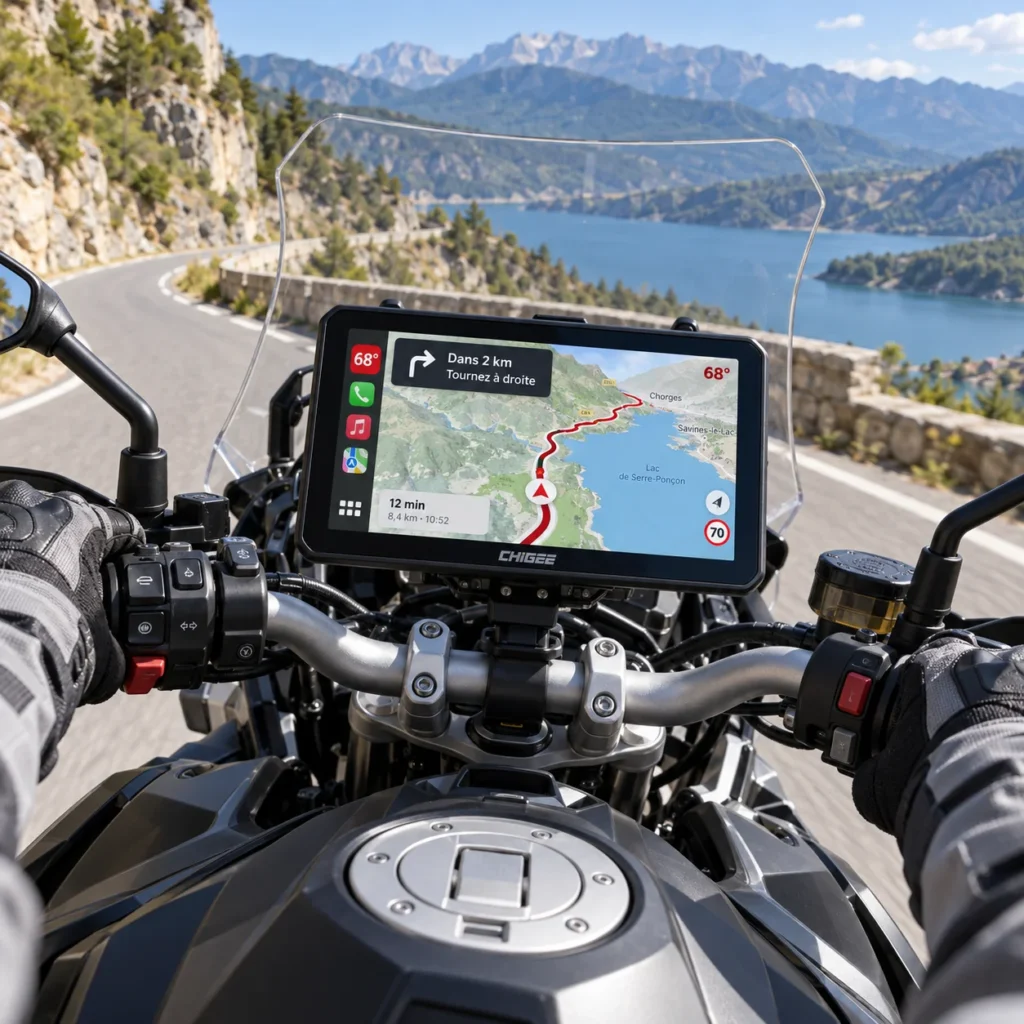
These devices let you use certain smartphone apps directly on the handlebars. Android Auto works with Android phones, while Apple CarPlay is for iPhones. The display connects to the phone—usually wirelessly on motorcycle models—and shows an interface adapted for navigation, calls, or music.
The principle is different from a standalone GPS: the navigation app runs on your phone, while the display shows the map and relays your commands.
Advantages
The main advantage of remote displays is having equipment designed for outdoor use: a waterproof, rugged housing, brightness suited to use in sunlight, and a screen usable with gloves, depending on the model. The choice of several screen sizes also lets you adapt the display to your bike and your preferences. A large screen can make the map and directions easier to read, as long as you can fit it on the handlebars without blocking the instruments. Some devices can also support useful motorcycle accessories, such as tire-pressure sensors or cameras.
So your smartphone can stay stored away and protected. It no longer needs an ultra-bright screen or to be particularly suited to exposure to rain, spray, and handlebar vibrations.
Finally, Android Auto and CarPlay displays are designed for on-road viewing: information limited to essentials, clearly visible controls, and simplified access to compatible navigation, music, or phone apps. You get the useful functions during the ride in a cleaner interface than on the phone itself.
Disadvantages
The price remains a first barrier. Even if some displays cost less than a standalone GPS, plan a budget of around €200 to €600 depending on the model and its features. Also consider installation: when wiring into the bike’s electrical system is required, fitting costs may be added, under the same conditions as for a GPS.
The simplified interface also has limits: you won’t get all the features of your apps. Apple and Google restrict what’s shown and what interactions are possible to reduce distractions while riding. Some commands, searches, or route changes may therefore be limited or require you to take out your phone while stopped. What’s possible depends on the app and its Android Auto or CarPlay version.
Finally, this display doesn’t replace your smartphone: it depends on it to run the apps and, on most devices, the position used for navigation comes from the phone’s GPS receiver. Your smartphone no longer needs to be suited to handlebar exposure, but it still needs to be powerful enough to deliver smooth, reliable navigation.
Simplified guidance devices: a compact format to stay on course
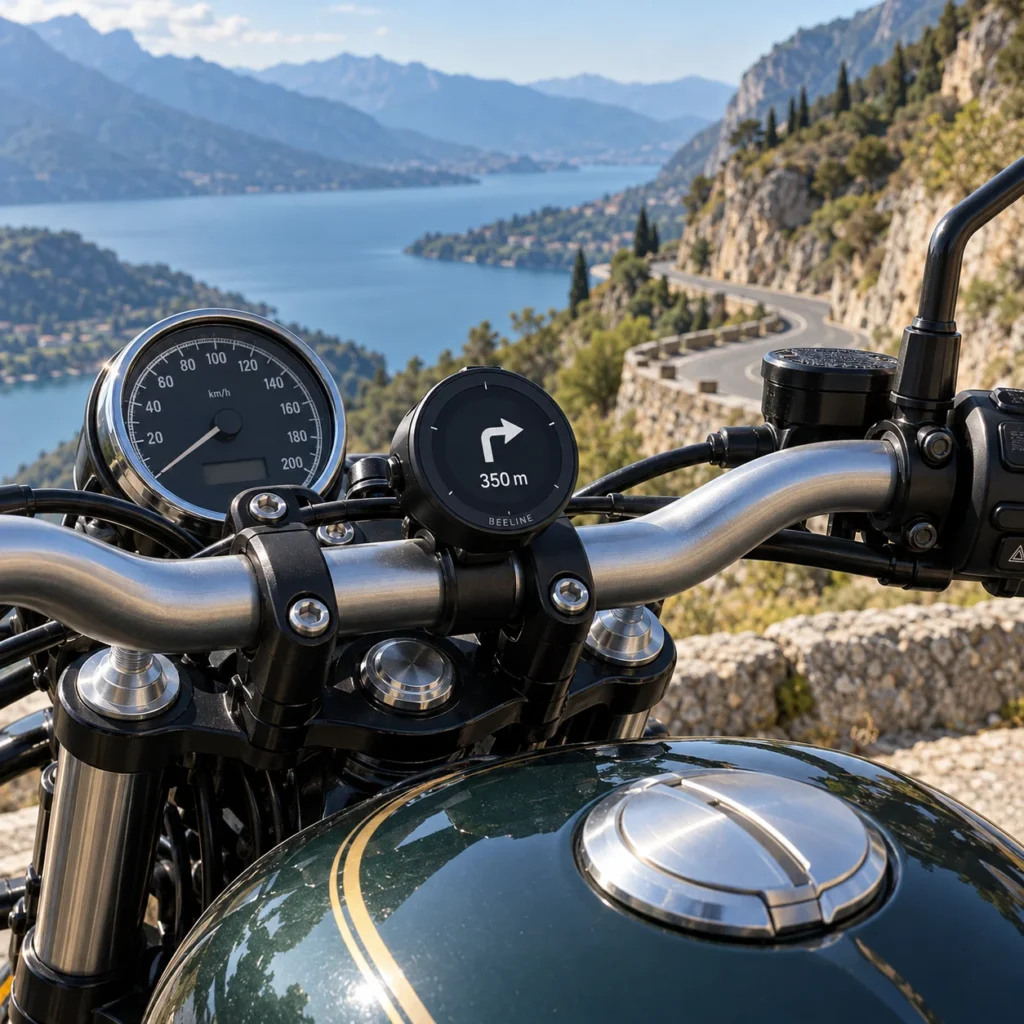
These are small devices that mount on the handlebars to show navigation guidance in a compact format. Introduced more recently than traditional motorcycle GPS units, they work with an app installed on your smartphone. The phone handles positioning and runs the app, while the device shows the next direction, the distance to the next turn, or a simplified representation of the route, depending on the model. Your smartphone can therefore stay stored away, while remaining connected to the device, usually via Bluetooth.
Advantages:
Their main strength is their small footprint. These compact devices fit easily on the handlebars, especially when space is limited, and preserve visibility of the bike’s instruments.
Their discreet design also helps keep the cockpit clean. Depending on their shape and finish, they can blend into a modern bike as well as a classic model, without a large screen dominating the dashboard.
Disadvantages:
Choosing the device usually means choosing its navigation app. So you need to plan your routes in that environment, with its capabilities and limitations. Some models let you import a GPX file created elsewhere, but you then face the same constraints mentioned for standalone GPS units: accepted formats, stop management, and the risk of differences between the original route and the one actually followed.
These devices also depend on the smartphone for positioning and for running navigation. So the phone must stay charged, connected to the unit, and able to run the app in the background.
Most of the time, the device remains dedicated to guidance. It doesn’t let you access other phone apps the way you can with an Android Auto or CarPlay display.
Finally, the display generally prioritizes turn directions or a simplified line rather than detailed mapping. You have less context to understand a complex intersection, spot a nearby road, or improvise a detour.
A tablet or a second smartphone dedicated to navigation: a tempting but flawed idea
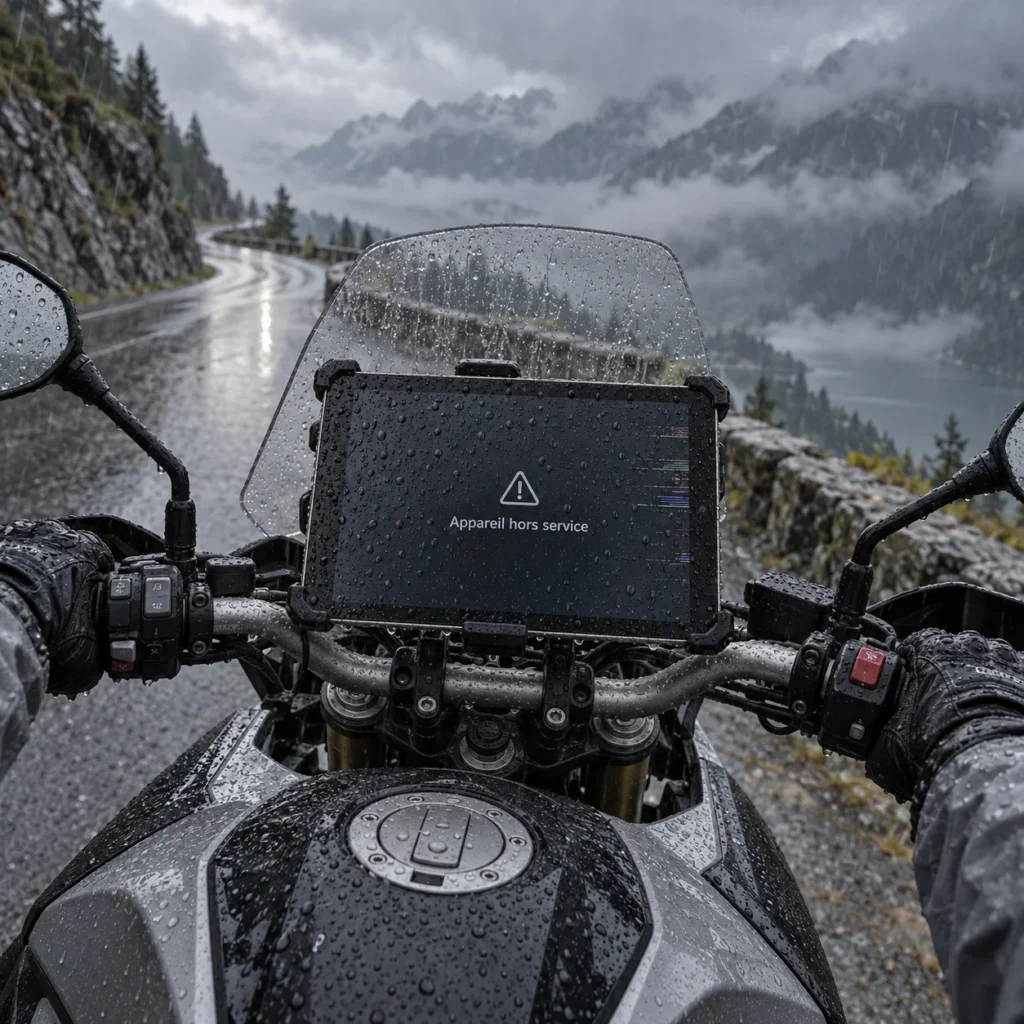
A final option is to mount a small tablet or a second smartphone on the handlebars, without a SIM card, and dedicate that device to navigation. Your main phone stays stored away and provides Internet access via tethering.
The idea sounds economical, but all the navigation work is done by the device mounted on the bike. So it needs a good GPS receiver, a screen readable in full sun, and the ability to withstand rain, heat, and vibrations. Those qualities aren’t always found in a low-cost device. On some tablets, you even need to check that a GPS receiver is included.
Tethering also adds a dependency. Depending on the devices and their settings, it can disconnect or not reconnect automatically, forcing you to stop and get your main phone out again to reactivate it.
Which solution should you choose?
There is no perfect solution for every rider. The right choice depends on how you ride, the frequency and duration of your outings, as well as your budget and the gear you already have. To help you decide, here are a few tips:
For long-distance travelers
If you’re heading far, for a long time, or into remote areas, we recommend pairing a smartphone mount with a backup standalone GPS. The smartphone will be your main companion: choose one that’s rugged, waterproof, and powerful enough, as we explain in our dedicated guide.
For this use, we prefer the smartphone directly on the handlebars rather than an Android Auto or CarPlay display. It gives access to all your apps’ features, without the restrictions of the mirrored interface. When stopped, you can change a route, add stops, explore the map, or look up information more freely.
No need to keep both devices permanently installed on the bike. The GPS can stay in your luggage, ready to take over if your phone breaks down or gets damaged. It can also help you out in areas without mobile coverage. Remember to install the maps for the countries you’ll be travelling through before you leave.
For this role, we recommend the TomTom Rider 550. Its operation and its plan.tomtom.com platform make it a practical solution for planning routes or importing GPX tracks, then syncing them to the device.
The Garmin zūmo is still an excellent device, but we find GPX route import and management more cumbersome. The transition between Garmin’s different software tools also makes the process less clear.
For group-ride addicts
If you regularly go out for day rides or weekend trips with friends or in a group, we recommend prioritizing investment in a smartphone suited to handlebar use.
In a group, you often need to deal with the unexpected: change a route, add a stop, or avoid a stretch of road depending on the weather. These operations can be hard to access—or even impossible—from the Android Auto or Apple CarPlay interface. You then have to take out your smartphone to make changes while stopped.
And when you’re leading, your phone’s issues quickly become the whole group’s issues! Overheating that slows navigation, a touchscreen disrupted by rain, or imprecise GPS positioning can multiply hesitation and stops. When everyone is waiting in the downpour, it’s better to be able to rely on your gear.
With a comparable budget, our preference therefore goes to a well-chosen smartphone rather than pairing an entry-level phone with a remote display. Prioritize accurate, stable positioning, a screen readable in sunlight, good water resistance, and an installation that limits vibrations (see our comparison). This way, you focus your investment on the device that provides both navigation and display, with fewer components to install and fewer connections to manage.
If your budget later allows you to add a remote display, it can add comfort while keeping your phone protected. But if you have to choose, prioritize the smartphone, its mount, and its power supply.
For these outings, generally closer to familiar places and services, a backup GPS doesn’t seem essential to us. A reliable installation, suitable power, and a prepared route remain the priorities.
For those who ride daily and escape occasionally
If you use your motorcycle mainly for commuting or work travel, with a few rides from time to time, an Android Auto or Apple CarPlay display makes perfect sense. You’re mainly looking for simple access to navigation, calls, and music, without having to take out your phone at every stop.
The streamlined interface then brings real comfort: navigating to an address, making a call, or changing music is done via easily accessible controls, possibly complemented by voice control depending on your setup. Your smartphone stays stored away and protected, while the display brings together the functions you need for getting around.
In this context, pairing it with a mid-range smartphone can be entirely relevant, as long as it’s compatible and delivers smooth performance and reliable positioning. The goal is less about building complex routes or reshaping a ride as surprises come up, and more about having practical tools to travel and communicate. The limits of Android Auto and CarPlay are therefore less restrictive for this use.
Among the displays we’ve tested, two brands stand out: Chigee and Carpuride. That doesn’t mean the others should be ruled out, but we prefer to comment on products we know. And buying isn’t just about a spec sheet: after-sales service, distribution, and resale potential also matter.
Chigee is, in our view, the premium choice. We appreciate the build quality, the care put into the screen, and its excellent brightness. Its distributor network and the support offered are also strong arguments for those who prioritize comfort of use and product follow-up.
Carpuride offers a more affordable alternative, with a very attractive features-to-price ratio. On the models we tested, the compromises mainly concern display quality. The after-sales service also seems slightly less polished to us.
So our advice is simple: Chigee if you prioritize overall quality and support; Carpuride if you want to keep your budget under control. Both brands are solid choices.
For handlebar aesthetes
If you love your bike as much for its lines as for the miles you ride, simplified guidance devices have a unique argument: their looks. Compact and discreet, they keep the cockpit clean. And we know it: on a motorcycle, pleasure is also about what you see!
In our view, their appeal today lies more in their format and presentation than in their features, compared with general-purpose apps like Google Maps or Waze, or specialized ones like 68° and Liberty Rider. Above all, we’d like to see them open up to these apps: combining their design with the navigation tools each rider prefers would make them far more compelling.
In conclusion
Your choice of equipment should first and foremost match how you ride.
If you regularly go on road trips, we clearly recommend a smartphone suited to the constraints of motorcycling (iPhone Pro, Pixel Pro, Motorola Edge Pro, etc.) combined with a standalone GPS such as a TomTom or Garmin.
If you regularly organize rides and outings, you should also prioritize a suitable smartphone and, if your budget allows, complete your setup with a Chigee or Carpuride CarPlay or Android Auto screen.
If you mainly use your motorcycle for daily commuting or work travel, prioritize a CarPlay or Android Auto display from Chigee or Carpuride, paired with a mid-range smartphone.
The key is to choose a setup that matches your needs: the requirements of a road trip, a group ride, and a home-to-work commute aren’t the same.